

PingHoot Features / Status Pages
Status pages
made simple.
Share the live status of your website with customers, clients or your team. Keep people informed when there's a problem and build trust with a status page from PingHoot
Start monitoring for free5 monitors freeNo credit cardSet up in seconds
Your sites
All systems operationalThe little coffee shop
https://coffee.example
Your next big idea
https://nextbigidea.example
The portfolio
https://portfolio.example
Owl good. All sites up.
All monitored websites are passing their checks.
Please note: only agency plans can fully customise their status pages and add a custom domain.
What are status pages
Give your visitors clarity when there's a problem.
A status page shows the current status of your website based on the latest monitoring checks. If an issue is detected we will alert you but also update your status page automatically so your visitors can see what is happening.
Status pages help reduce support enquiries, keep your customers informed and give confidence you're on top of any issues.

Be transparent when issues occur, and let people know when everything is back to normal.
Your status page shows
the current status.
It updates automatically
when we detect a problem.
Keep your customers
and team informed.
Build trust with
clear communication.
Customisable and easy to share
A status page that
works for you.
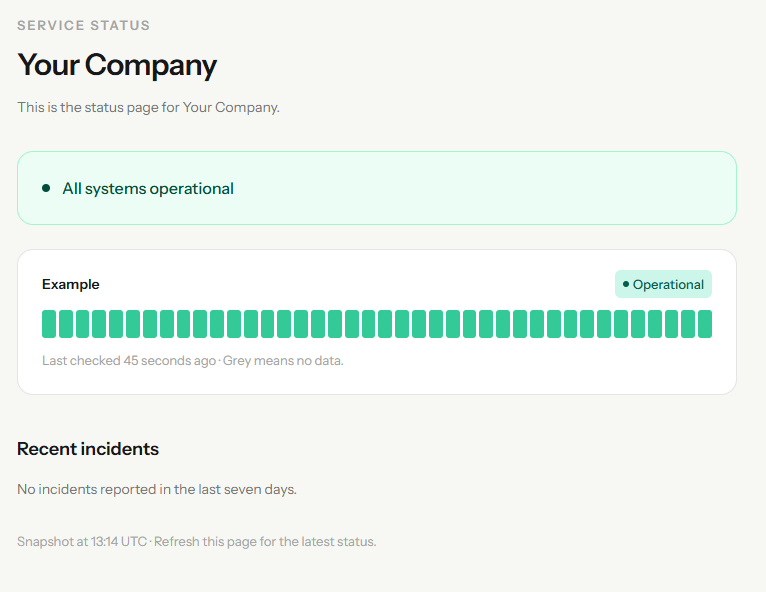
Create a status page in seconds and choose which websites and services to display. Share the link with your customers so they know what's happening. The page displays recent incident and monitoring history as well as current status so you can see how things have been going lately.
Easy setup
Create a status page in seconds.
Choose what to show
Add the websites and services you want to display.
Choose a page name
Add a page name and short description so visitors know which services they are checking.
Choose your public address
Choose a memorable address on PingHoot, such as /status/your-company.
Share anywhere
Link from your website, emails, or social media.
Keep everyone in the loop
Reduce support enquiries
and build trust.
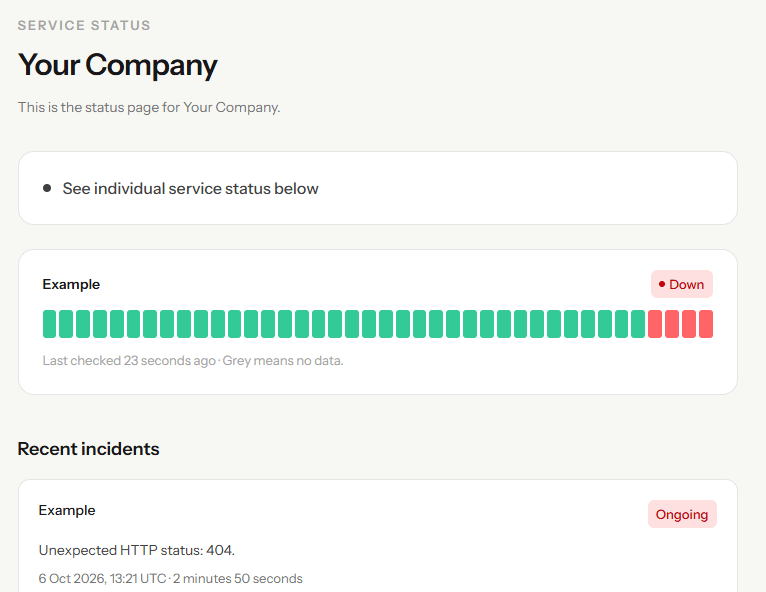
When your website is down or experiencing issues, a status page gives your visitors a single place to get the latest information. This can help reduce support tickets and reassure customers that you're aware of the problem and working to resolve it.
Fewer support enquiries
Keep customers informed and reduce repetitive questions.
Automatic updates
Your status page updates when we detect a problem or recovery.
Build customer trust
Be transparent about issues and updates.
Clear incident information
Shows what's affected and when the issue started.
Share with your team
Give your team a simple way to check status.
Show recovery
Let people know when everything is working again.
Look good on any device
A clean, simple design.
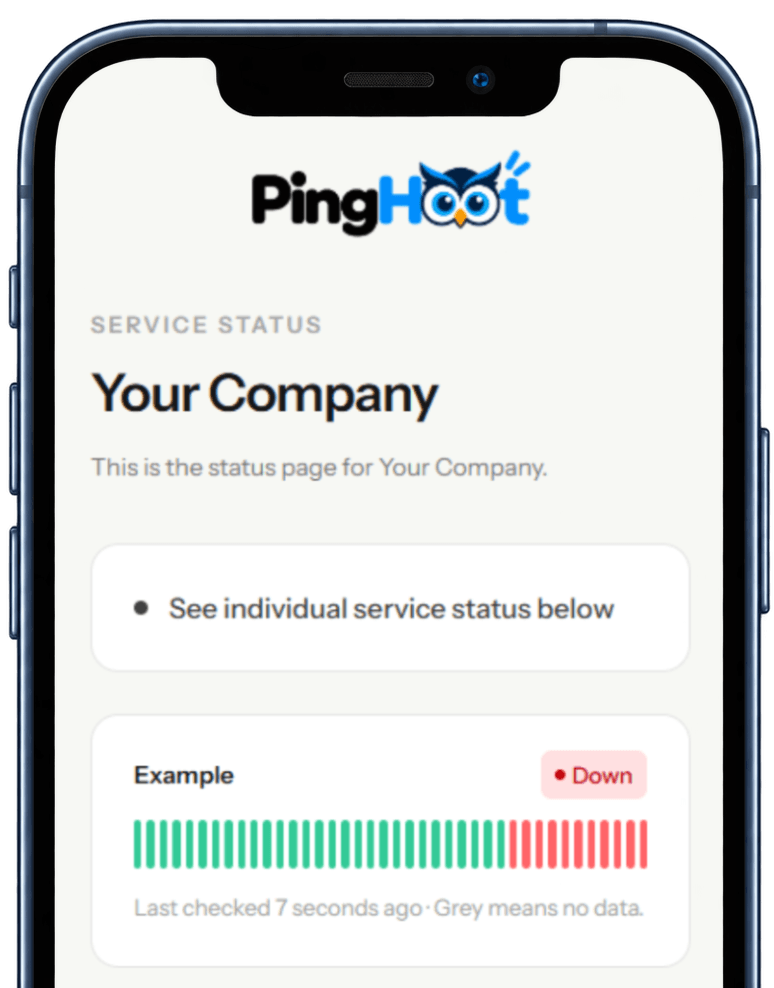
PingHoot status pages are designed to be clear and easy to understand whether visitors are viewing on a desktop, tablet, or mobile device. The clean layout makes it simple for anyone to see the current status at a glance.
Mobile friendly
Looks great on any device
Clean and modern design
A simple layout that's easy to read
The Bigger Picture
Why status pages matter.
When your website is down, your customers and visitors want to know what's happening. Without a status page, people may assume the worst, contact your support team, or turn to social media for answers.
A status page gives you a simple way to communicate during an incident. It shows that you're aware of the issue, helps manage expectations and can reduce the number of support enquiries you receive.
Even when everything is working as expected, a status page can be useful for larger websites or businesses with multiple services. It gives your customers and team a quick and easy way to check the current status at any time.

Leave the night shift to the owl.
Close the laptop. PingHoot will keep watch and alert you when your websites need attention.
Start monitoring for free