

PingHoot Features / Keyword Checks
Keep an eye on
what matters.
Monitor your website for important content with keyword checks. Get an alert if a specific phrase isn't shown, or if text you don't want to see appears.
Start monitoring for free5 monitors freeNo credit cardSet up in seconds
Your sites
All systems operationalThe little coffee shop
https://coffee.example
Your next big idea
https://nextbigidea.example
The portfolio
https://portfolio.example
Owl good. All sites up.
All monitored websites are passing their checks.
What are keyword checks
Monitor your website content.
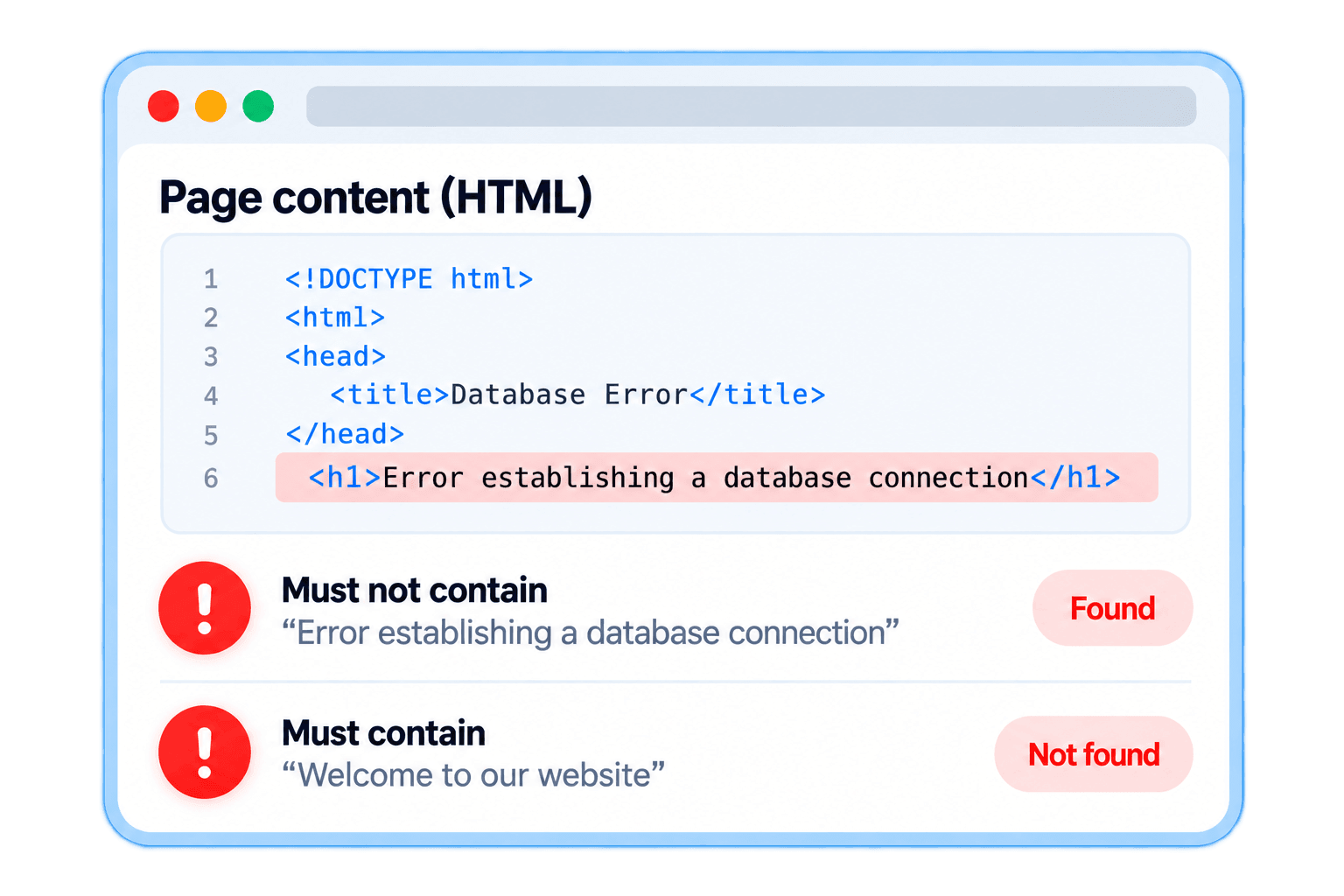
Keyword checks scan the HTML returned by your web pages and look for specific phrases. You can set a phrase that must be present, or a phrase that must not be present. If the check doesn't match what you've set, PingHoot will alert you so you can investigate.
This is useful for checking whether error messages or database connectivity issues are appearing, or could also be used for stock status alerts. In addition to receiving alerts, you can also check your monitoring history to see when keyword check issues occurred.

It's an easy way to keep an eye on important content and be alerted if something changes unexpectedly. Text added only by JavaScript after the page loads is not included in these checks.
Check for text on
your web pages.
Get an alert if text is
missing or appears
Monitor important
content automatically.
Optional case sensitive
matching.
Flexible keyword options
Check for text that should
or shouldn't be there.
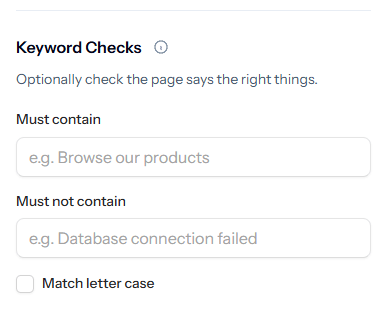
Choose whether a phrase must be present or must not be present on the page, and decide if the match should be case sensitive. Add keyword checks to any of your monitors and get alerted when the content doesn't match your settings.
Must contain
Get an alert if the specified phrase is not found.
Must not contain
Get an alert if the specified phrase is found.
Case sensitive matching
Choose whether the search should match letter case.
Be alerted when content changes
Spot issues before they
cause problems.
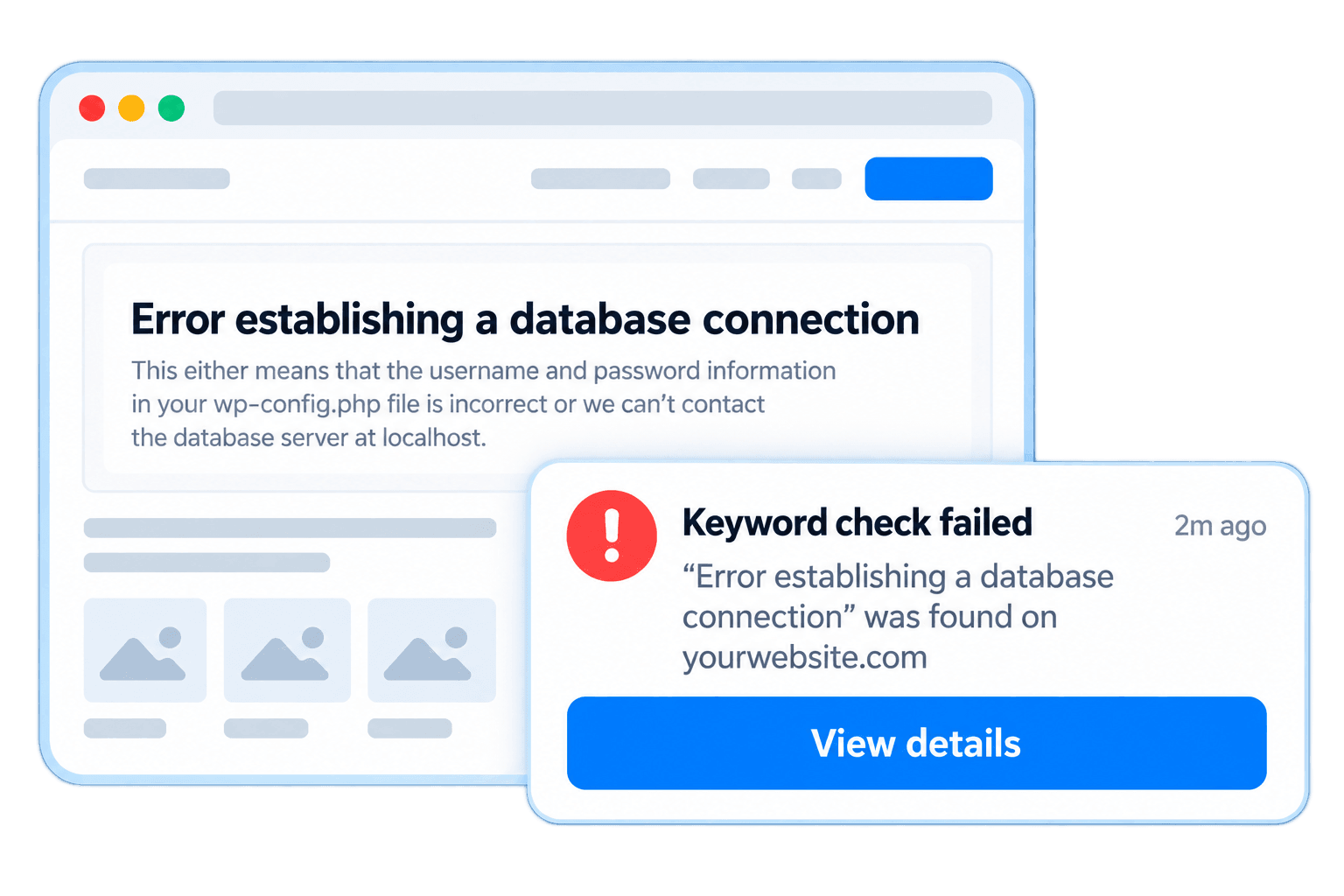
If the text you're expecting isn't found, or text you don't want to see appears, PingHoot will flag the check as failed and send you an alert based on your notification settings. This helps you catch issues early, such as missing content, incorrect information or unexpected messages.
Stock status changes
Be alerted if an 'in stock' message disappears.
Missing banners
Check important announcements are still visible.
Error messages
Get alerted if an unexpected error message appears.
Incorrect information
Ensure key details like pricing or opening times are shown.
Unwanted content
Be alerted if text you don't want to appear is found.
Any important text
Monitor any phrase that matters to your website.
The Bigger Picture
Why keyword checks matter.
Your website content can change for lots of reasons. A product might go out of stock, a banner might be removed, or an error message could appear without you realising. These changes can affect your customers, enquiries, and sales.
Keyword checks give you peace of mind by automatically looking for the text that matters. Instead of manually checking your website, you'll be alerted if something isn't as expected so you can investigate and fix the issue sooner.
Whether you run a single website or manage multiple client sites, adding keyword checks to your website monitoring helps you keep an eye on the important details and make sure your website is showing the right information at all times.

Leave the night shift to the owl.
Close the laptop. PingHoot will keep watch and alert you when your websites need attention.
Start monitoring for free